Draft write-up
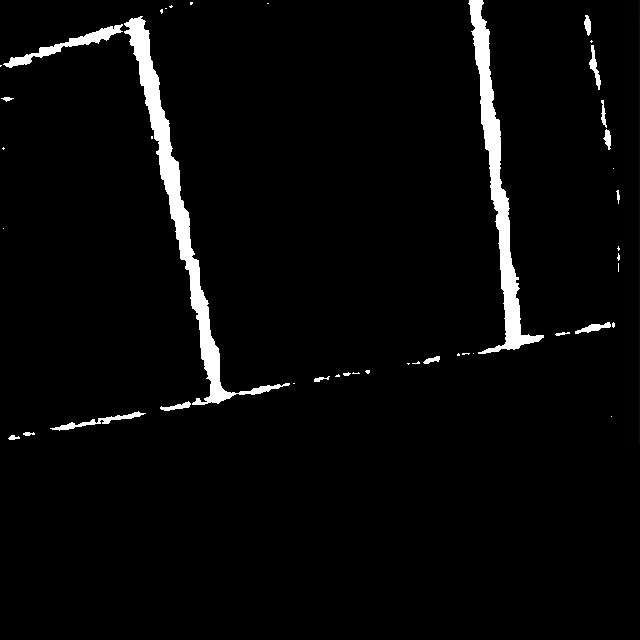
A two-stage, prompt-based segmentation pipeline for construction-site inspection. A text prompt such as "cracks" or "dry wall" goes into a fine-tuned Grounding DINO, which returns a bounding box with a confidence score. That box prompts a fine-tuned Segment Anything model, which returns the binary mask. Both models were adapted to the crack and drywall-seam domain.
01Problem
Cracks and drywall seams are thin, low-contrast and look different on every surface: rough plaster, painted board, grayscale captures. Off-the-shelf zero-shot detectors miss them or box the whole wall, and a generic SAM given a loose box fills the wrong region. Inspection needs a mask that follows the defect, not a rectangle around it.
02Approach
- 01
Describe the target in words
The user supplies a short text prompt. The same pipeline handles both tasks; only the prompt changes, for example "cracks" for walls and "dry wall" for drywall seams.
- 02
Fine-tune Grounding DINO for the box
Grounding DINO is fine-tuned on crack and drywall imagery so that the prompt grounds to the defect region with a usable confidence score, instead of the generic wall surface.
- 03
Fine-tune SAM for the mask
The predicted box becomes the prompt for SAM. Adapting SAM to thin structures keeps the mask tight to the crack edge rather than bleeding into surrounding texture.
- 04
Evaluate on masks, not boxes
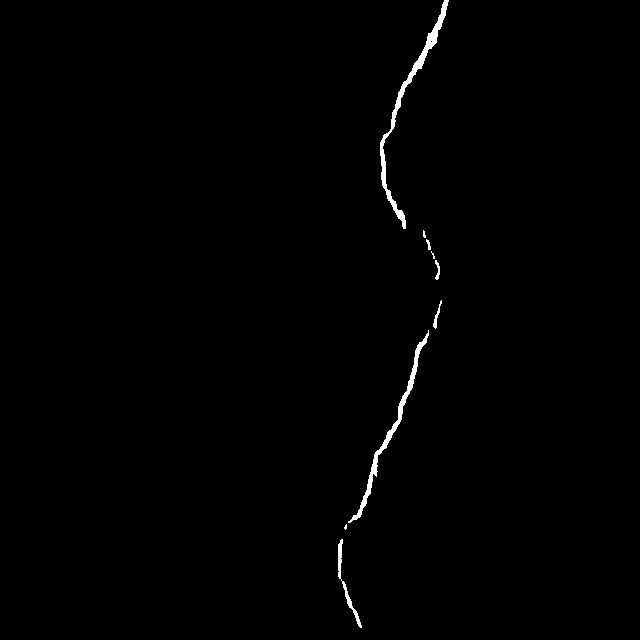
Quality is judged on the segmentation output against ground-truth masks, since a good box can still produce a poor mask on a hairline crack.
03Pipeline
Language prompt to box to mask. Each stage hands one artefact to the next, so any stage can be inspected or swapped on its own.
01Input
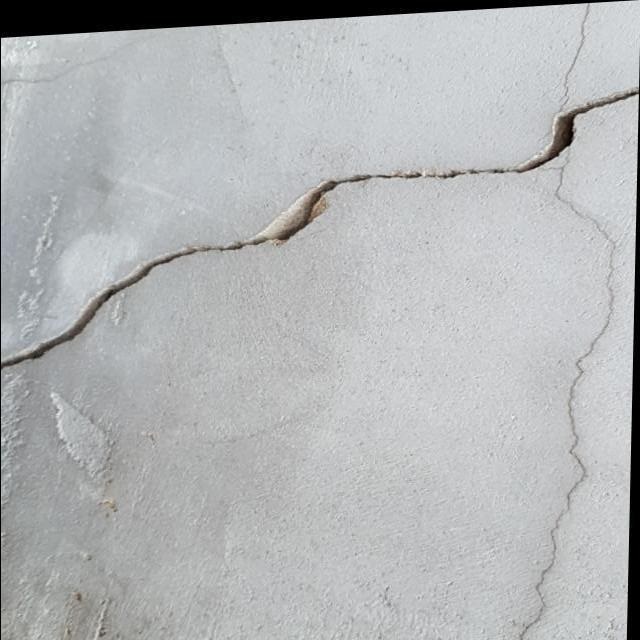 input
02Grounding DINO + SAM
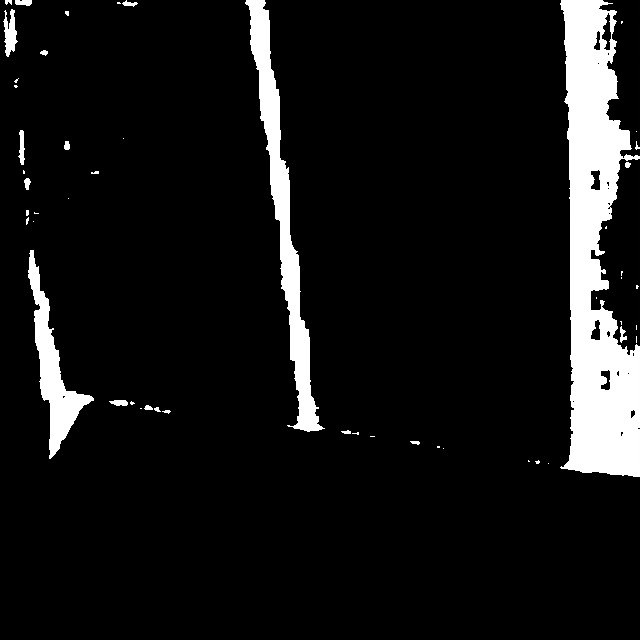
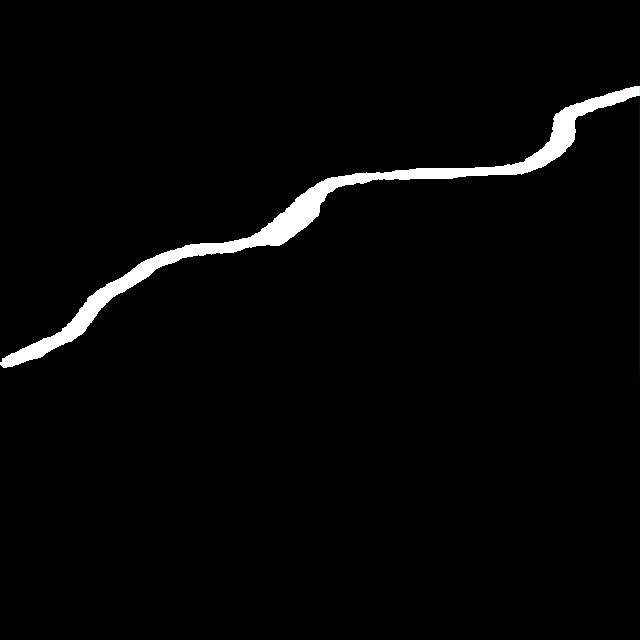 binary mask
03Overlay
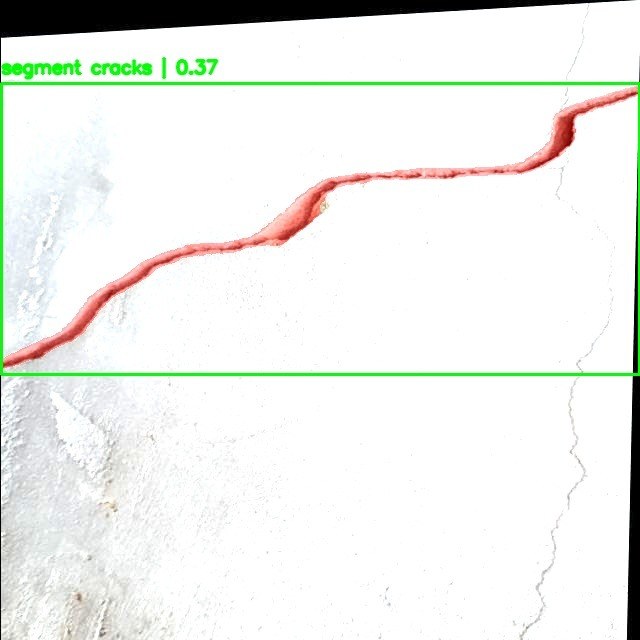 segment cracks 0.37
01Input image
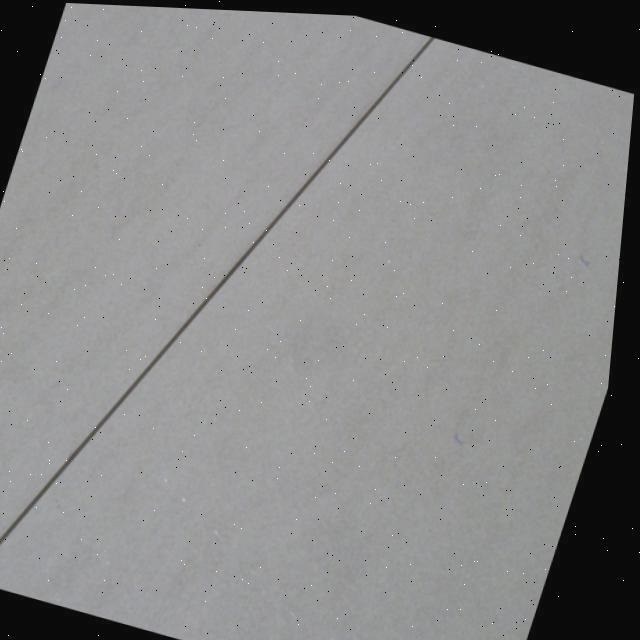
RGB, 640 x 640Site photo of a wall or drywall surface, resized for the detector.
02Text prompt
"cracks" / "dry wall"Plain-language description of the region to find.
03Grounding DINO
Fine-tuned detectorGrounds the prompt to a bounding box with a confidence score.
04SAM
Fine-tuned segmenterTakes the box as a prompt and produces the binary mask.
05Overlay
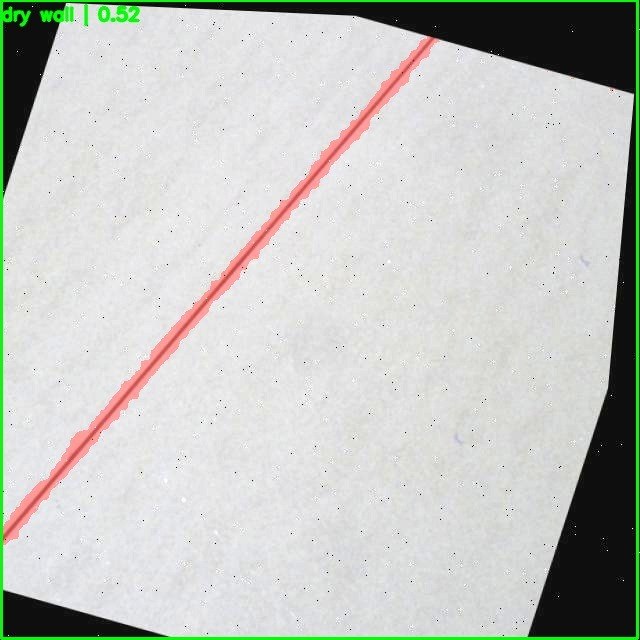
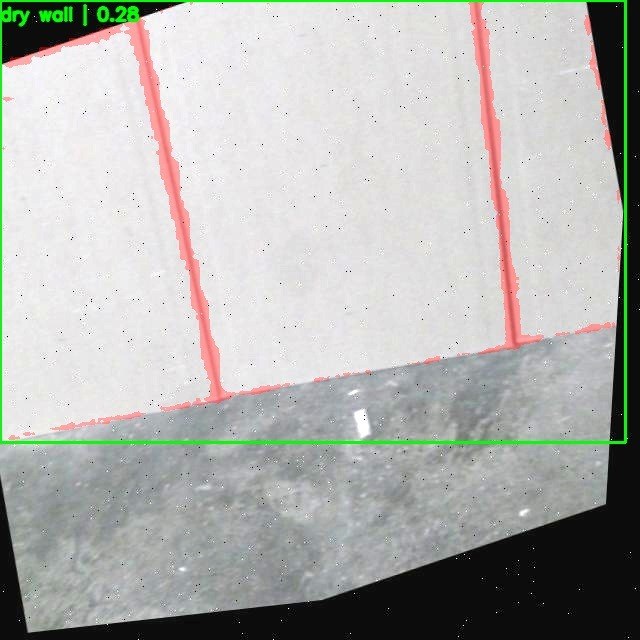
Mask + box on inputMask tinted over the photo with the labelled box for review.
- One pipeline for two defect types, switched by the text prompt
- Box with confidence score and pixel-level binary mask per image
- Overlay output for fast visual review
- Notebook-based, runs on a Colab GPU
04Results
Six real outputs, unfiltered. Drag each image: input on the left, prediction on the right.
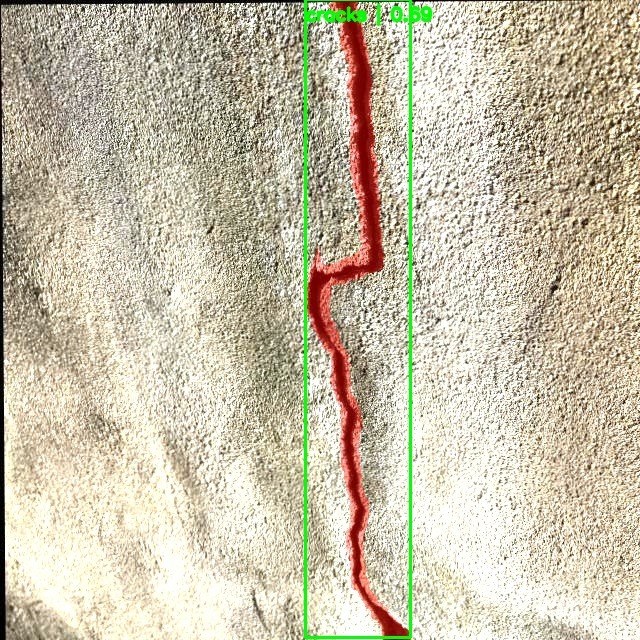
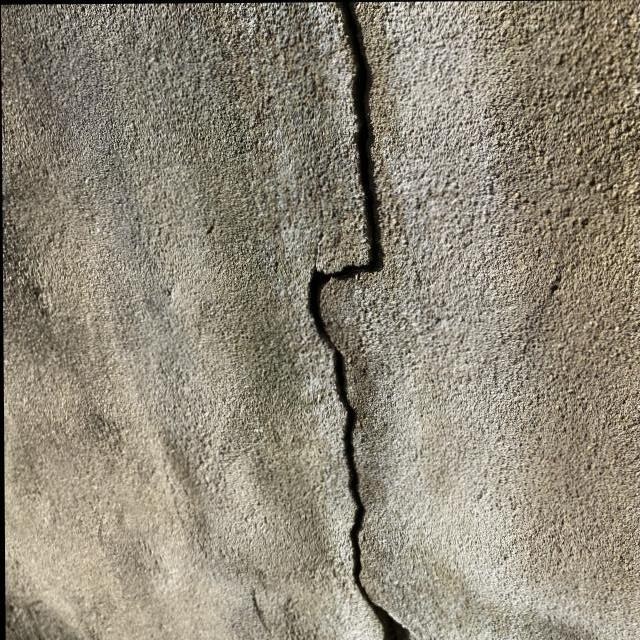 InputOverlay
01Wall crack on rough plaster
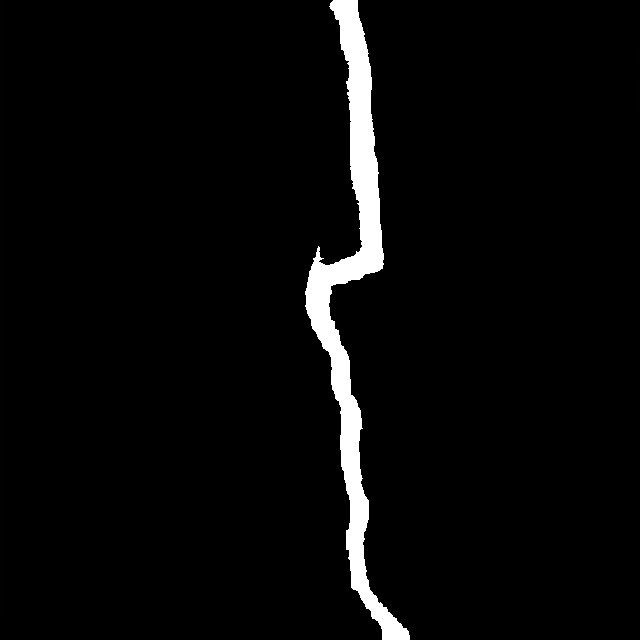 InputOverlay
02Wide crack on a bright, overexposed wall
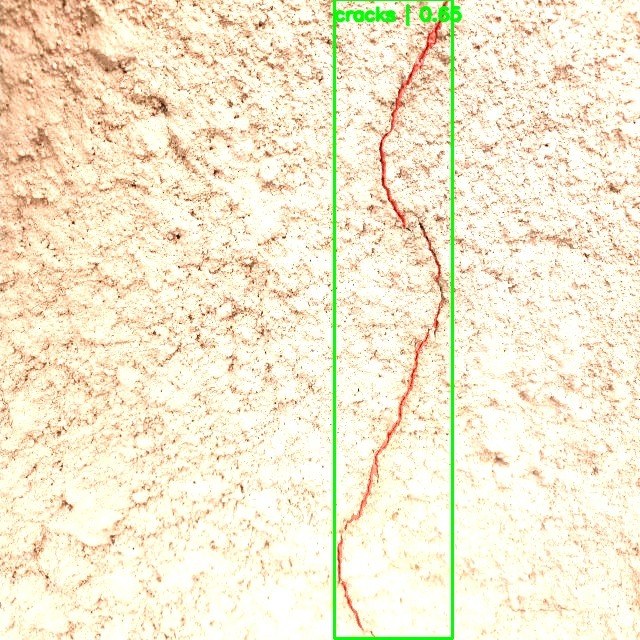
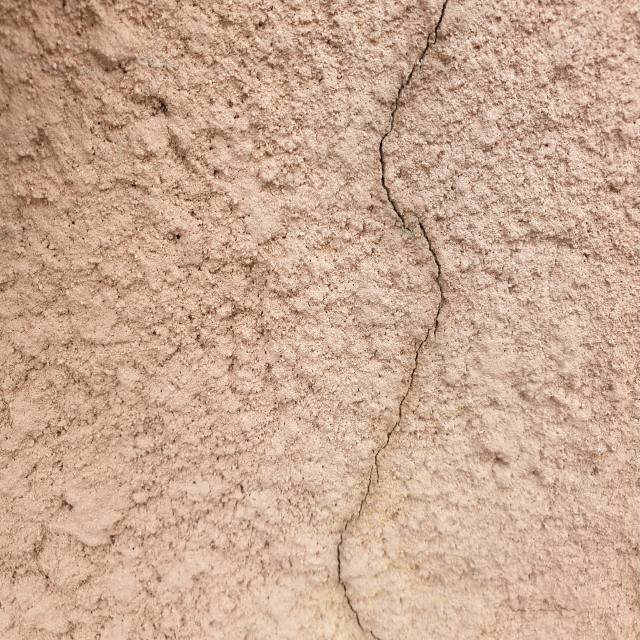 InputOverlay
03Hairline crack on textured render
 InputOverlay
04Drywall seam, rotated capture

 InputOverlay
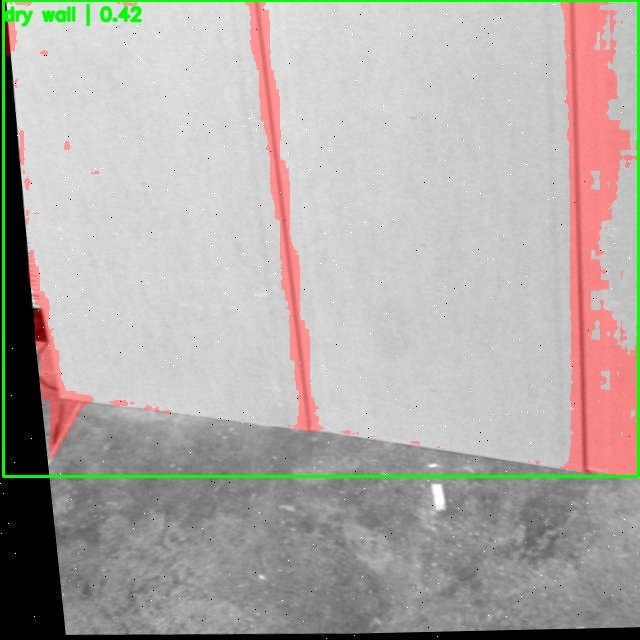
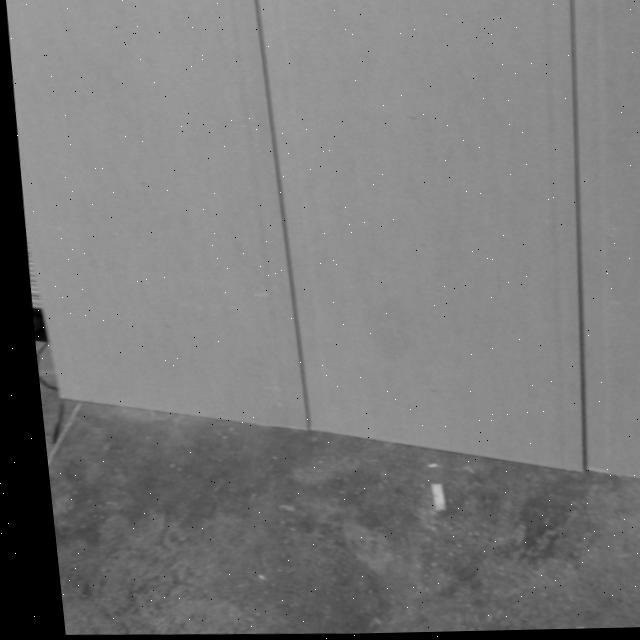
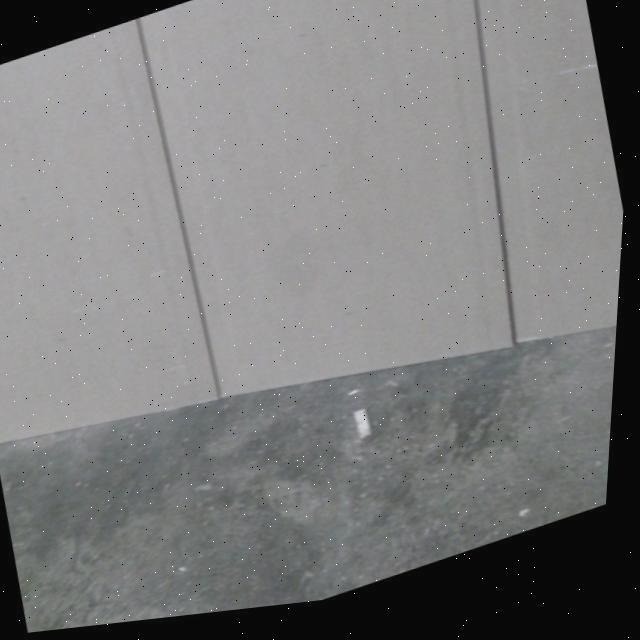
05Drywall seams, grayscale panel
 InputOverlay
06Panel joints meeting the floor
05Challenges
Thin cracks produce very small, low-confidence boxes.
FixFine-tuned the detector on the domain so the prompt grounds to the defect, and kept box confidence visible in the output so weak detections are easy to spot.
Drywall seams share a box with the whole panel, so the mask can spread over the panel.
FixFine-tuned SAM so the mask hugs the seam, and reviewed overlays to catch cases where it still over-segments, such as the lower-confidence samples.
Capture conditions vary: overexposure, grayscale, rotated frames.
FixTested across mixed samples rather than a single clean set, and kept the results gallery unfiltered.
06Learnings
Outcomes
- Working prompt-to-mask pipeline on real wall-crack and drywall-seam photos
- Masks that follow the defect outline on both tasks, with weaker cases kept visible in the gallery
What I learned
- A good box is not a good mask: judge segmentation on the mask itself.
- Confidence scores on thin structures stay low even when the mask is right, so treat them as a flag, not a verdict.
07Next
- 01Report mask metrics (IoU and Dice) per task on a held-out split
- 02Add post-processing to remove drywall false positives on panel edges
- 03Export to a faster inference path for on-site use